






Give your AI agent the keys to Pixara's studio
Create images, video and voice right inside the AI client you already use - no tab-switching required.
https://mcp.pixara.ai/mcp
Connected in under a minute
No SDK, no backend to host. Point your client at the server and you're generating.
Copy the endpoint
Grab the Pixara MCP server URL below - one link works across every client.
https://mcp.pixara.ai/mcpAdd it to your client
Drop it into Claude, Cursor, Windsurf, Cline or ChatGPT as a custom connector.
Create without leaving your flow
Approve the connection and start generating images, video and voice from the chat you already have open.
Pick your client, follow the steps
Hosted apps connect with a URL. CLI agents connect with a config file - same server either way.
Claude
Claude.ai and Claude Desktop
- 1
Open Claude → Settings → Connectors and choose “Add custom connector”.
- 2
Paste the Pixara MCP URL below into the connector field.
- 3
Connect, then sign in with your Pixara account.
https://mcp.pixara.ai/mcpOne server. Every tool in your studio.
Everything you can do on Pixara, callable straight from your agent's next message.
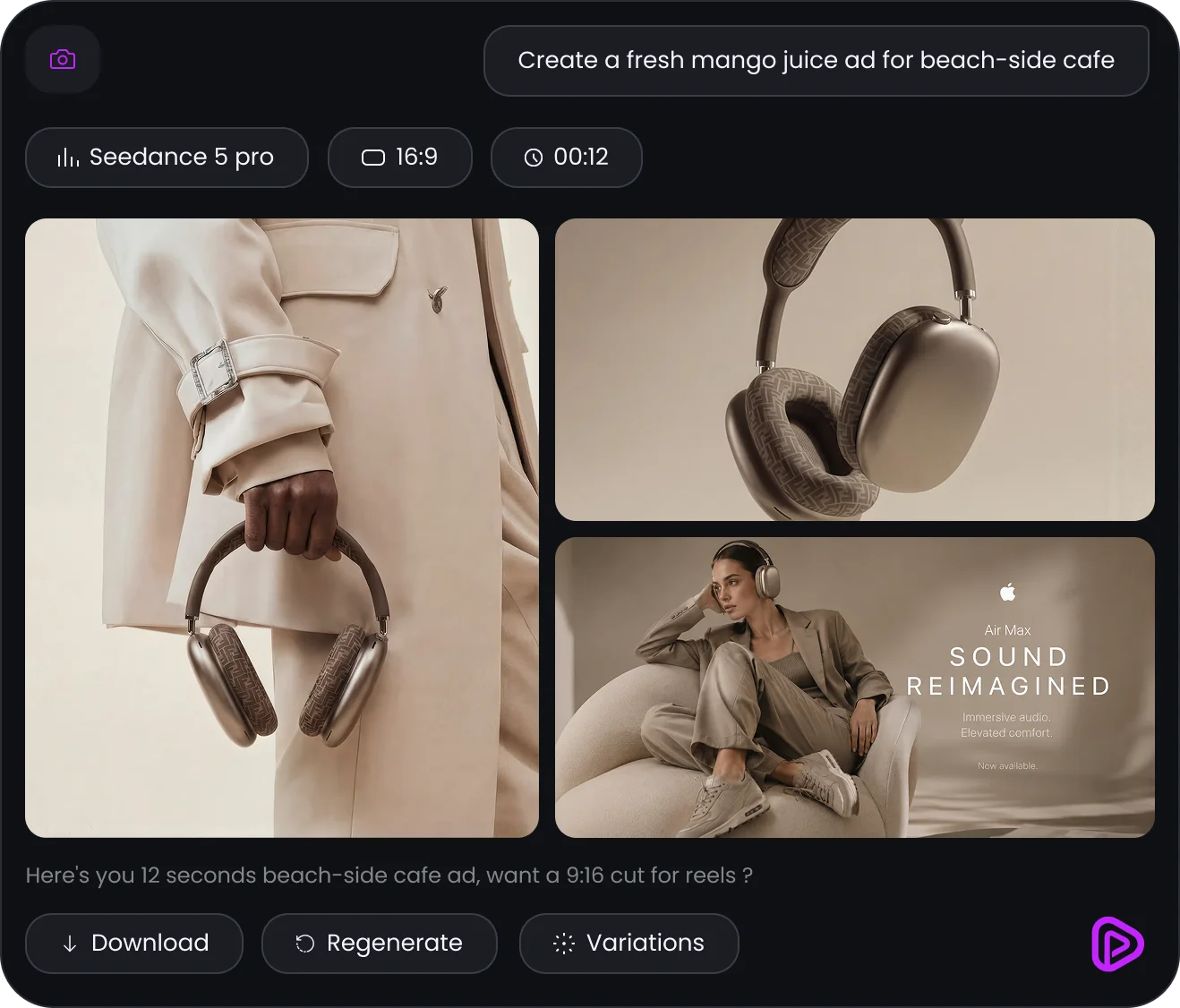
Turn one prompt into launch-ready ad images
Describe the product and the scene - Pixara generates a full set of on-brand ad images in your agent, ready to pick and ship.
- Multiple creative directions from a single prompt
- Sized and styled for the platform you are shipping to
- Pick a favorite, then regenerate or riff on it in chat
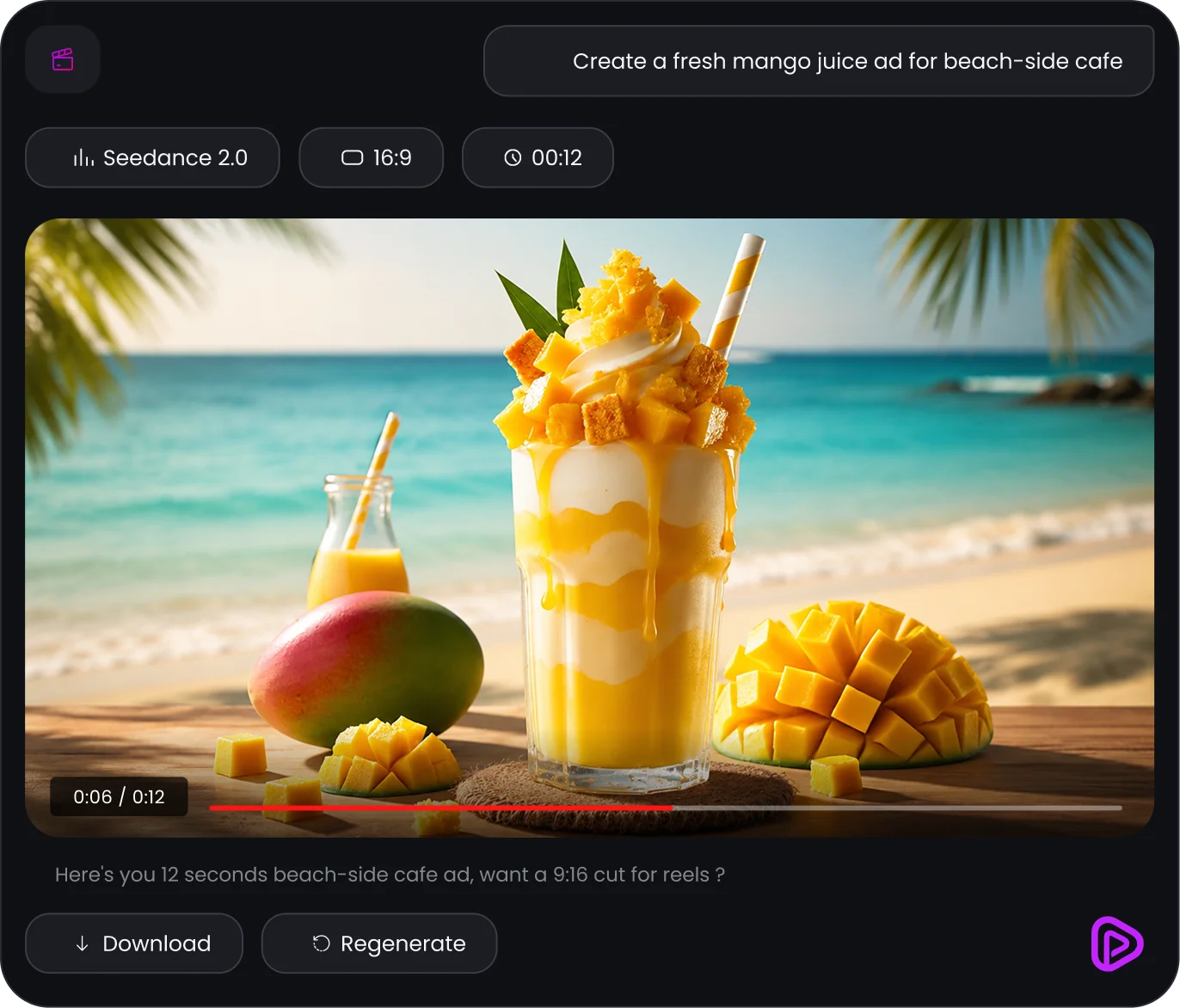
Generate cinematic product ads without opening a tab
Describe the shot in your agent and Pixara renders it with the latest video models - then hands the result straight back to your conversation.
- Works from a text prompt or a reference image
- Pick the model, or let your agent pick for you
- Results land back in the chat, ready to reuse
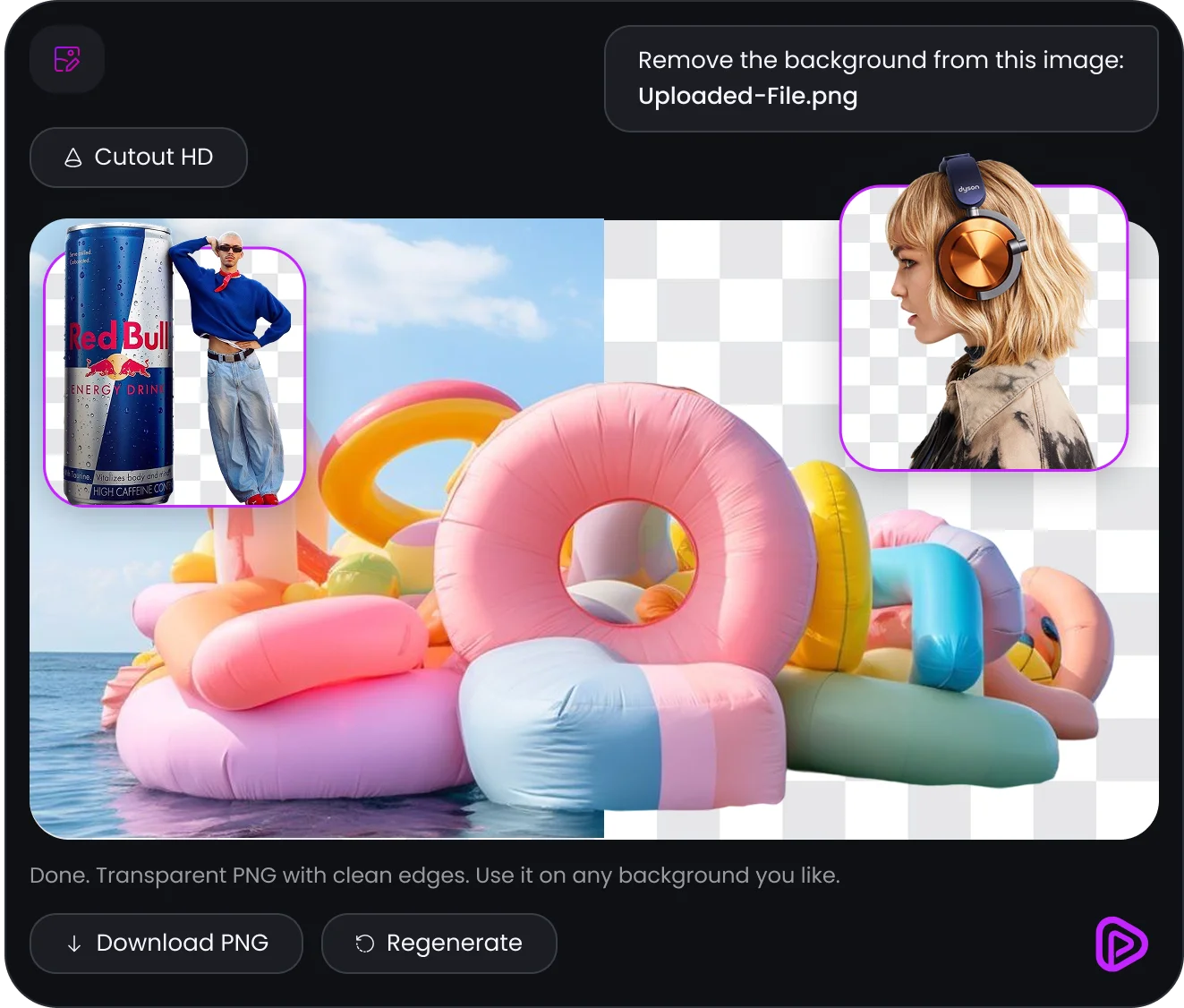
Isolate any subject with a clean, transparent cutout
Point your agent at any image and Pixara removes the background in one call - a print-ready, transparent PNG lands back in your chat.
- Clean edges on hair, fur and fine detail
- Works on product shots, portraits or full scenes
- Download-ready PNG, no manual masking
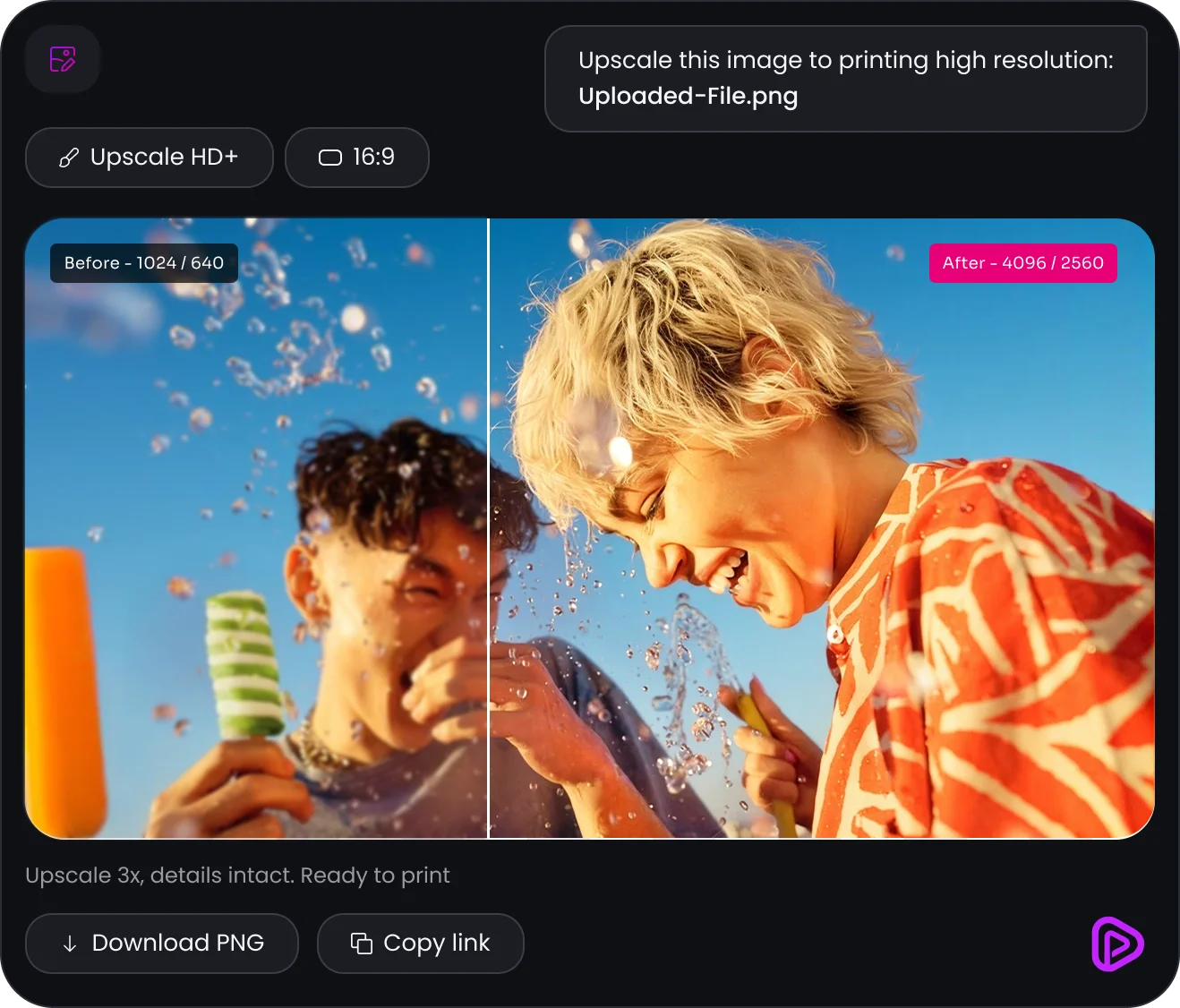
Upscale any image to print-ready resolution
Hand off a low-res shot and Pixara upscales it up to 4x - details stay sharp, ready for print or a full-bleed hero banner.
- Up to 4x resolution with detail intact
- Works on photos, renders and screenshots
- No quality loss, ready to print or publish
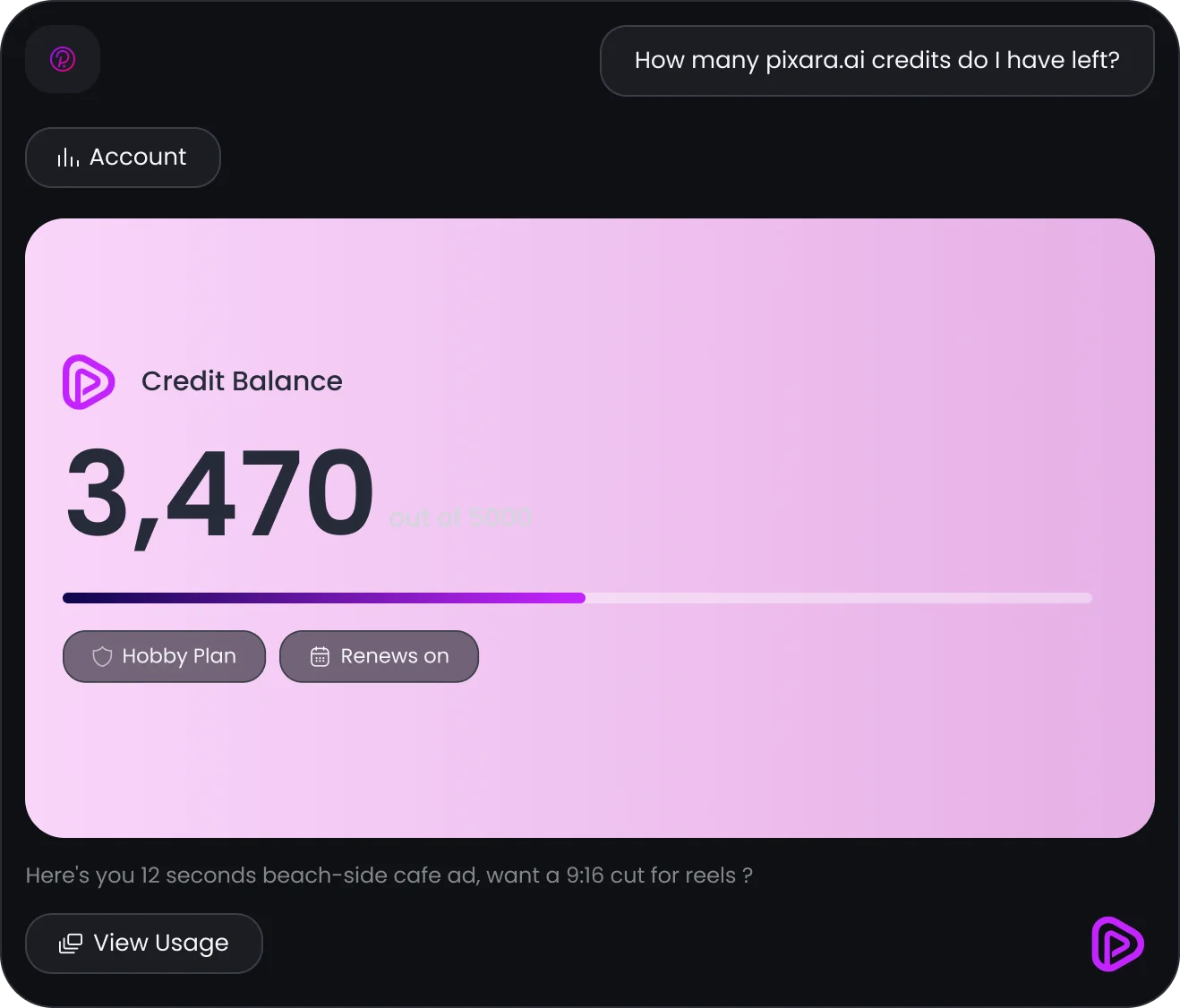
Check your credit balance without leaving the chat
Ask your agent how many credits you have left and Pixara reports your live balance, plan and renewal date - no dashboard required.
- Live balance, plan and renewal date on request
- Every generation draws from the account you already use
- No separate API key or billing to manage
Image generation
Prompt your way to on-brand visuals across Nano Banana, Seedream, Flux and more.
Video generation
Turn a prompt or reference image into motion with Veo, Kling and Seedance.
Professional ad images
Drop in a product shot and get launch-ready ad creative back, sized to spec.
Professional ad video generation
Brief the shot and get a launch-ready product ad rendered straight to your chat.
Cut Out Pro
Strip any background to a clean transparent cutout in a single call.
Boost resolution
Upscale any image or video to print-ready, retina-sharp resolution.
Voice & lip sync
Script to studio-quality voiceover, synced to any face in seconds.
Edit & polish
Trim, subtitle, translate and add sound effects to any clip.
My Assets, on tap
Reference anything you have already generated straight from your library.
Workflows
Chain tools together and trigger a saved Pixara workflow from your agent.
Credits
Check your balance and usage before every generation, right from the chat.
The latest models, wired in for you
New model, same endpoint. Pixara upgrades the tools behind the server so you don't have to.